iCharger firmware update guide for race day
iCharger firmware update matters before you cycle packs on race day. Therefore, you prevent odd charger behavior in the pits. Moreover, you keep your Regenerative Discharger and charger pairing consistent. Before a long conditioning session, take 30 seconds to confirm the software. As a result, your discharge steps stay smooth and predictable.
Additionally, a quick check helps you avoid connection hiccups on busy days. Consequently, you spend less time troubleshooting and more time focusing on driving. Furthermore, you protect consistency across stock and modified programs.
Quick check: find your firmware version
First, power on your charger and watch the screen right away. During boot, the firmware version flashes for a few seconds. Then, write it down so you can compare it to your target version. If you miss the flash, simply power cycle once more.
Consequently, you confirm the version without digging through menus. In addition, this habit keeps your routine consistent from practice to mains. Finally, you reduce last-minute surprises when you swap packs fast.
Recommended firmware versions for race reliability
Next, match your charger model to a proven version before a big weekend. Notably, stable firmware helps prevent glitches during discharge routines. Furthermore, consistent versions reduce surprises when you move between chargers.
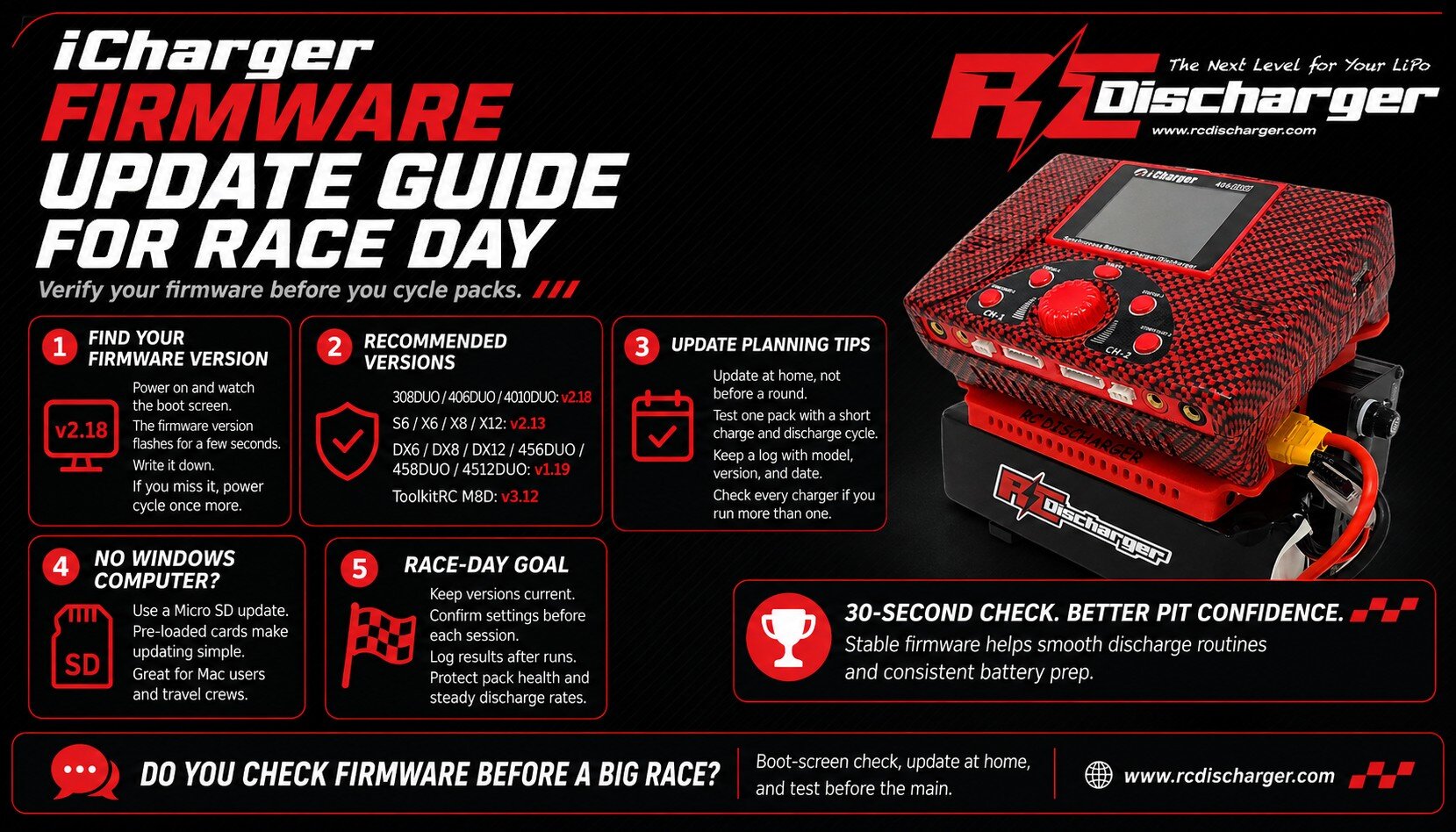
- v2.18 for iCharger 308DUO, 406DUO, 4010DUO
- v2.13 for iCharger S6, X6, X8, X12
- v1.19 for iCharger DX6, DX8, DX12, 456DUO, 458DUO, 4512DUO
- v3.12 for ToolkitRC M8D
However, if your version differs, plan the update before your next major event. Similarly, if you run multiple chargers, check each one to avoid mixed behavior. For reference, review firmware for embedded electronics and see why version control matters.
Update planning tips that prevent pit-day problems
First, update at home, not five minutes before a round. Then, run a short charge and discharge test on one pack. As a result, you confirm stable communication before you commit to a full conditioning cycle.
Additionally, keep a simple log with charger model, firmware version, and date. Consequently, you spot changes quickly if behavior shifts. Moreover, you can match results across events and track conditions.
- Charge one pack at your normal race rate.
- Run a brief discharge step and watch for errors.
- Confirm leads, balance taps, and connectors stay snug.
- Finally, repeat once with a second pack for confidence.
No Windows computer? Use a Micro SD update
Updating an iCharger often needs a Windows PC. Nevertheless, you can still update quickly at home or at the track. Therefore, many racers keep a dedicated Micro SD option in their pit box for fast recovery.
The iCharger Firmware Update Micro SD Card offers a simple path to current firmware. In fact, we can ship a pre-loaded Micro SD card so you update directly without a computer. Consequently, Mac users and travel crews stay ready for race day.
Get the SD Card or download the files here: iCharger Firmware Update Micro SD Card from RC Discharger
Finally, confirm versions before each session and log results after runs. As a result, you protect pack health, maintain steady discharge rates, and keep your program sharp for the main.