
URGENT: iCharger C29 Capacitor Fix Kit
$14.99
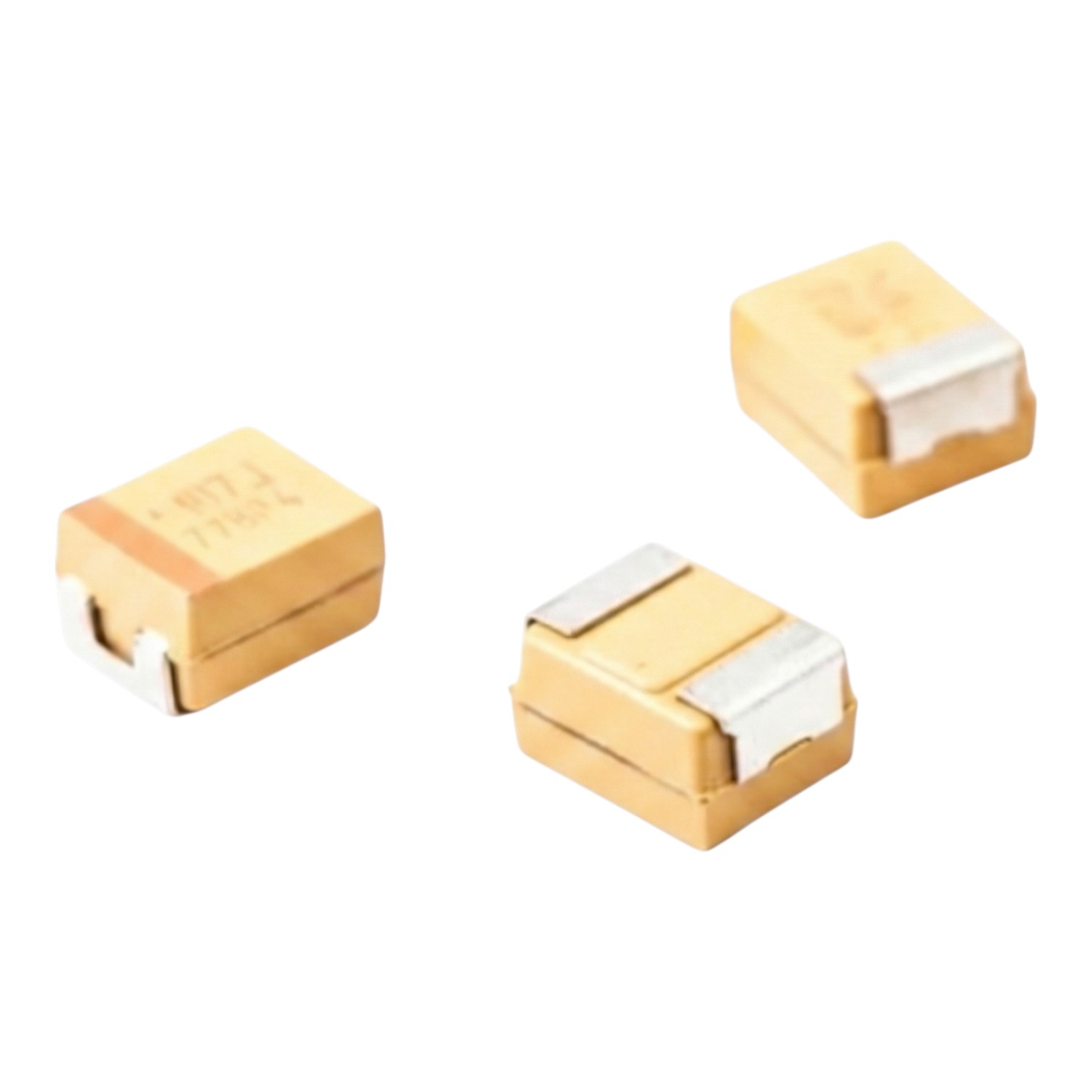
- 3x High-Spec C29 Capacitor
- No windows to update, order our iCharger Firmware Update Micro SD Card
Free shipping in USA.
Description
URGENT: iCharger C29 Capacitor Fix Kit
C29 capacitor fix kit guidance starts now for iCharger 456DUO, 458DUO, and 4512DUO owners. Specifically, if your charger lacks the C29 capacitor, stop using it right away. Moreover, several units left the factory with that part missing. Consequently, dual cycling can trigger power spikes that damage the board. Therefore, treat this as a critical hardware correction and act before failure.
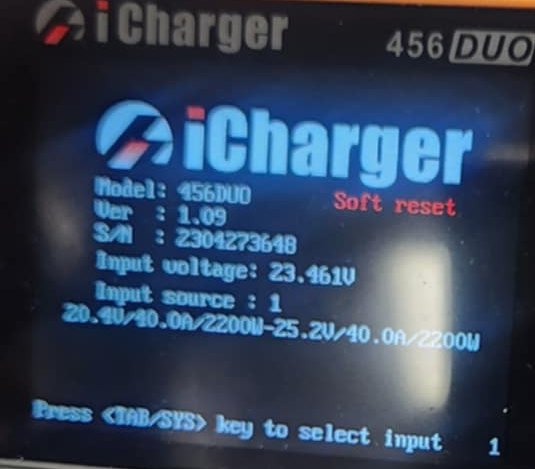
WARNING: If you keep running Cycle Mode with the missing part, you risk a short or a blown circuit board. In addition, many drivers report a “soft reset” right before the worst happens. Accordingly, you should inspect your charger today, not later.
The danger behind the soft reset
First, the “soft reset” signals stress during the changeover in dual cycling. Next, without the missing C29 capacitor, the PCB cannot smooth sudden power demand. As a result, voltage and current spikes can hit sensitive components. Furthermore, repeated spikes often turn a warning into a full failure.
- The risk: Continued use can lead to a short or a completely blown circuit board.
- The fix: Install the missing C29 capacitor to restore safe operation.
Immediate safety workaround (if you must run)
However, if you must use the charger before you install the capacitor, reduce stress on the board. Specifically, change your Cycle Mode settings before you start any run. Then, avoid rapid transitions that trigger the surge.
REQUIRED SETTING: Set a 1-minute delay in Cycle Mode. Consequently, the delay reduces the immediate power surge that causes the “soft reset.” Moreover, it offers the only practical short-term protection while the charger remains vulnerable.
Mandatory inspection for 456DUO, 458DUO, 4512DUO
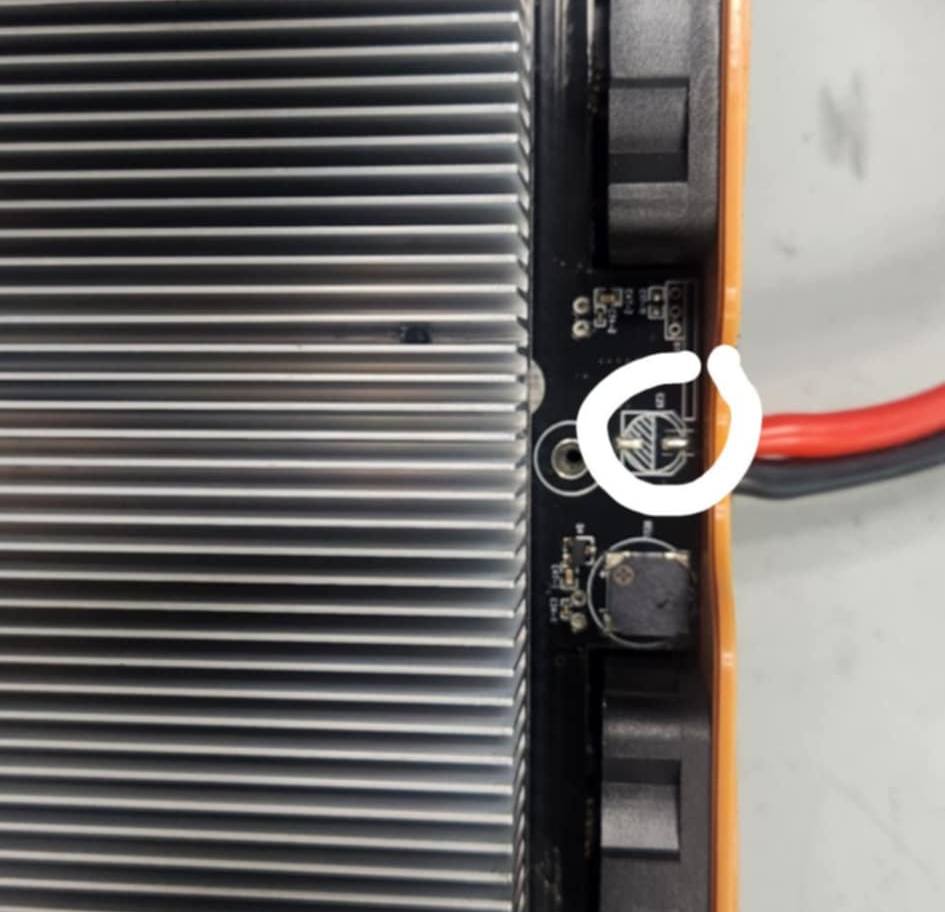
First, disconnect all power and open the charger case. Next, locate the C29 slot on the PCB and confirm the part sits in place. If the slot looks empty, install the missing capacitor before you cycle again. Therefore, you avoid permanent board damage and lost track time.
- Disconnect all power and open the charger case.
- Locate the C29 slot on the PCB.
- If it is empty: Install the C29 capacitor before further use.
For background on why capacitors matter in power circuits, review capacitor smoothing and surge handling in electronics. Notably, that role explains why this missing component can cause sudden resets and failures.
Required firmware update (v1.17) after the fix
After you complete the hardware correction, update to the latest stable firmware (v1.17). Additionally, firmware helps maintain consistent behavior during cycling and transitions. Therefore, treat the update as part of the full repair, not an optional step.
No Windows laptop? No problem. Instead, you can use a pre-loaded update card and update directly on the charger. Moreover, that option saves time and removes setup friction.
- Download & Manual Instructions: RC Discharger FAQ
- Order Pre-Loaded SD Card: iCharger Firmware Update Micro SD Card
Professional support and safe installation
Finally, if you lack soldering experience, do not gamble with the board. Instead, contact our team for guidance or a professional install. Consequently, you protect your charger and keep your program running.
[CONTACT RC DISCHARGER SUPPORT IMMEDIATELY]
You may also like…
Related products
-

2S 32A Charge Cable (XT60 to 5mm) with Temperature Sensor
$39.99 Select options This product has multiple variants. The options may be chosen on the product page -
RC Discharger EC8-M to XT60-F, XT90-F or Bare Wire
$14.99 Select options This product has multiple variants. The options may be chosen on the product page -
Screwdriver MIP Gen 2 Holder with Parts Tray
$19.99 Select options This product has multiple variants. The options may be chosen on the product page -
Junsi iCharger 458DUO
$349.99 Add to cart