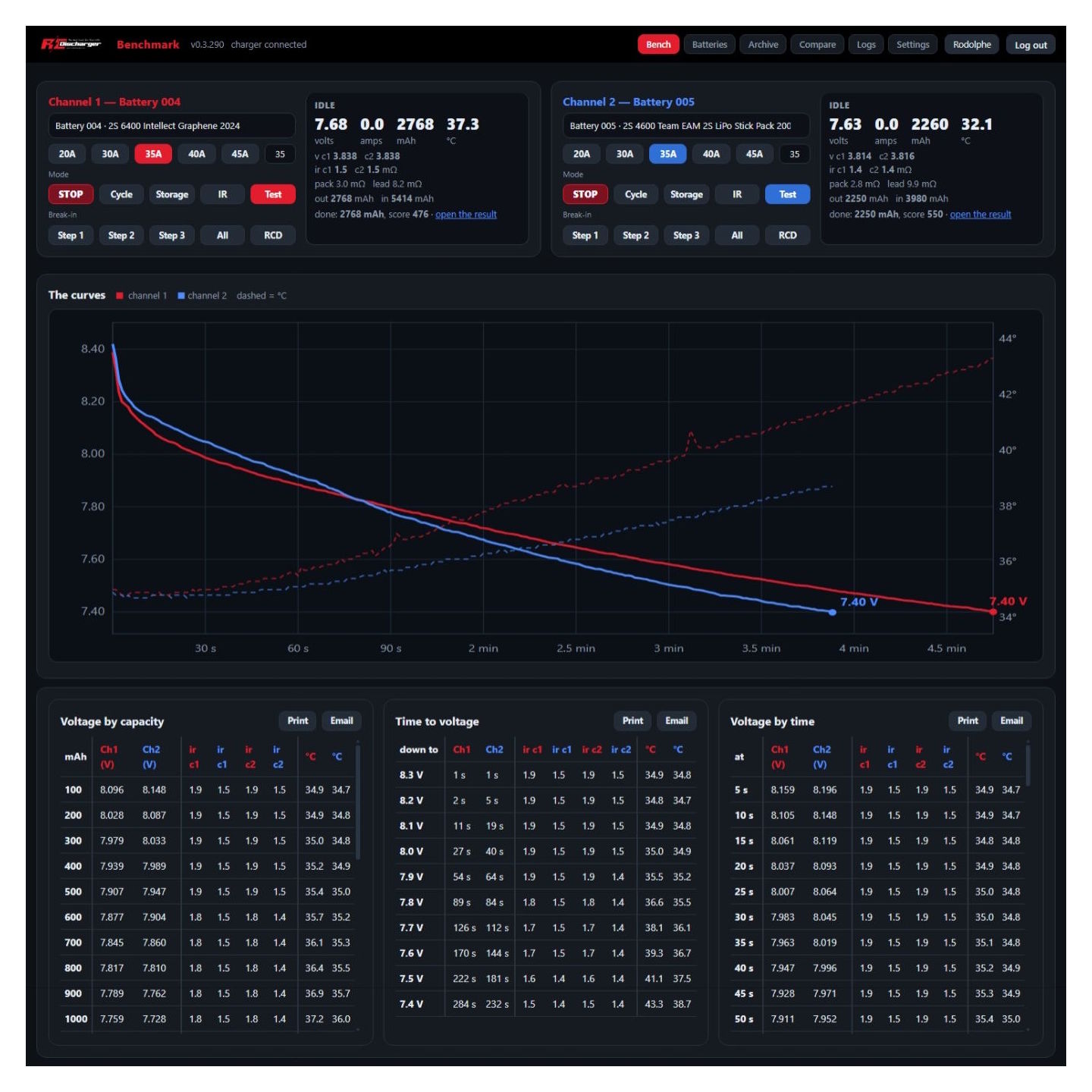
Accurate IR readings for RC packs
Accurate IR readings help you confirm real punch and spot real fade. However, when values jump, you start guessing. Therefore, you need a repeatable routine that removes small errors. At RC Discharger, we focus on clean data that racers trust. Moreover, consistent IR lets you compare packs across days, not just single sessions. As a result, you can tune charge and discharge choices with confidence.
Start with tight, clean connections
First, check every connector before you test. A loose 5mm bullet adds resistance and creates heat fast. Consequently, your meter reports higher IR that comes from the connection, not the cell. Next, inspect bullets, balance leads, and solder joints for oxidation or looseness. Also, wipe contact surfaces and fully reseat plugs before each run. Then, run one test cycle and repeat it to confirm stability.
Notably, team driver Ronnie Vasquez reduced IR swings after he tightened connectors and lowered amperage slightly. Therefore, treat these details like race prep, not like a quick chore. In addition, label your packs and record results so you can spot trends early.
Match cable gauge to your current
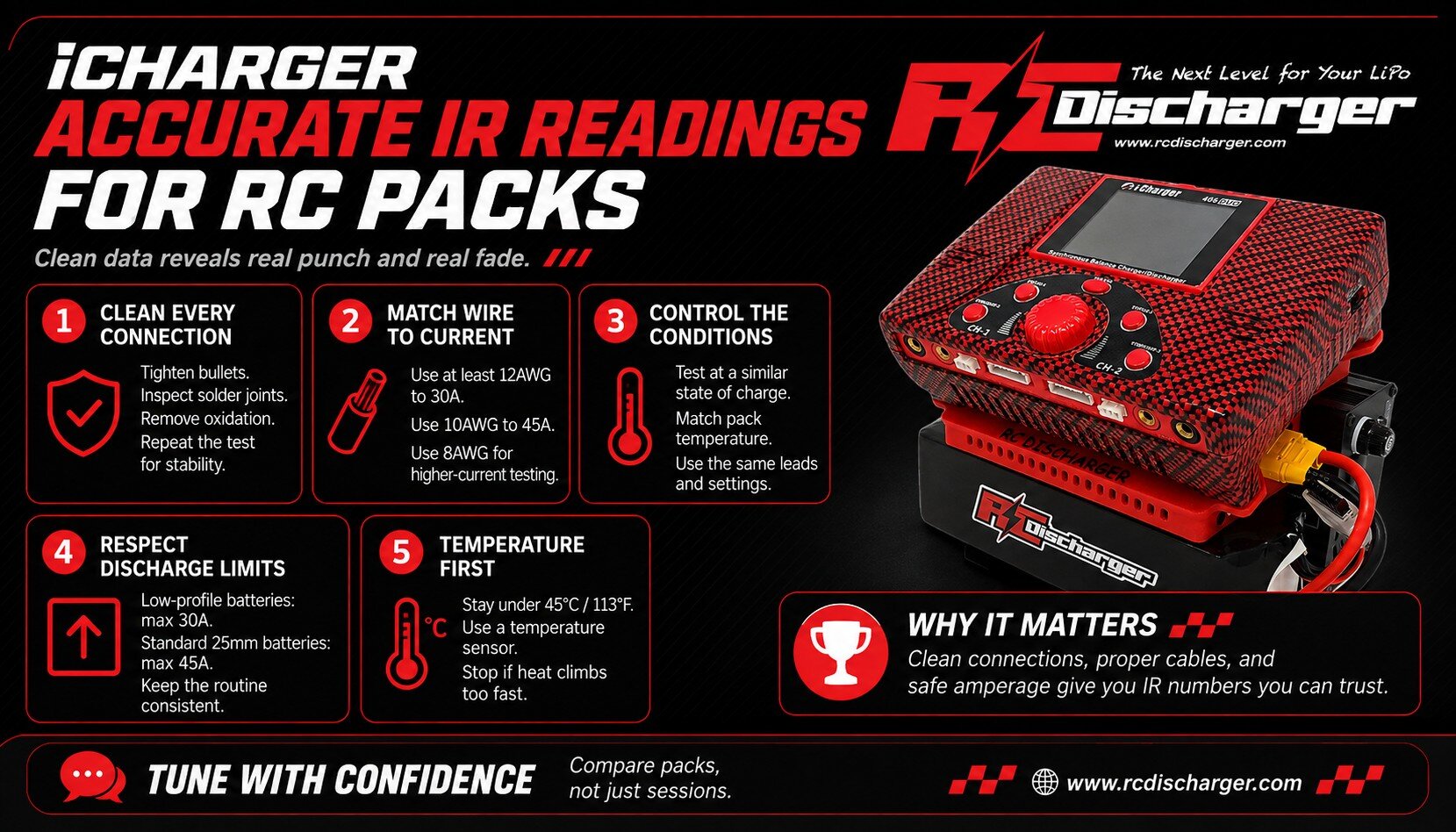
Second, choose wire that matches your test amperage. Thin wire warms up, and that heat shifts resistance during the test. In addition, hot leads can hide a strong pack and make it look weak. Therefore, use a simple gauge rule and stick to it every time.
- Up to 30A: use at least 12AWG cable.
- Up to 45A: use at least 10AWG cable.
- Up to 70A: use at least 8AWG cable.
Similarly, keep leads short when possible. Moreover, avoid adapter stacks because each joint adds loss and variation. As a result, your readings reflect the pack more than the harness.
Respect pack size and discharge limits
Third, match discharge current to pack size and build. Too much current stresses the pack and can push cells out of balance. Consequently, you may create the sky-high IR you wanted to measure. Instead, follow conservative limits and keep conditions consistent.
- Low-Profile Batteries: max 30A.
- Standard (25mm) Batteries: max 45A.
Additionally, test at the same state of charge each time. For example, pick one SOC window and stay there for every pack. Thus, you compare pack health, not changing conditions. Likewise, let the pack rest a few minutes after charging so voltage settles.
Safety first: control temperature every time
Finally, monitor temperature during high-current cycles. Never let packs exceed 45°C (113°F). Therefore, you protect the pack and keep data stable. Also, use a dedicated sensor so you can react fast. Grab your sensor here: iCharger temperature sensor for LiPo battery.
In fact, heat changes resistance in wiring and connectors. Consequently, temperature swings can distort comparisons between sessions. If you want the theory behind that effect, review electrical resistance and conductance before your next test day. Ultimately, when you control connections, cables, current, and heat, Accurate IR readings become repeatable and useful.