
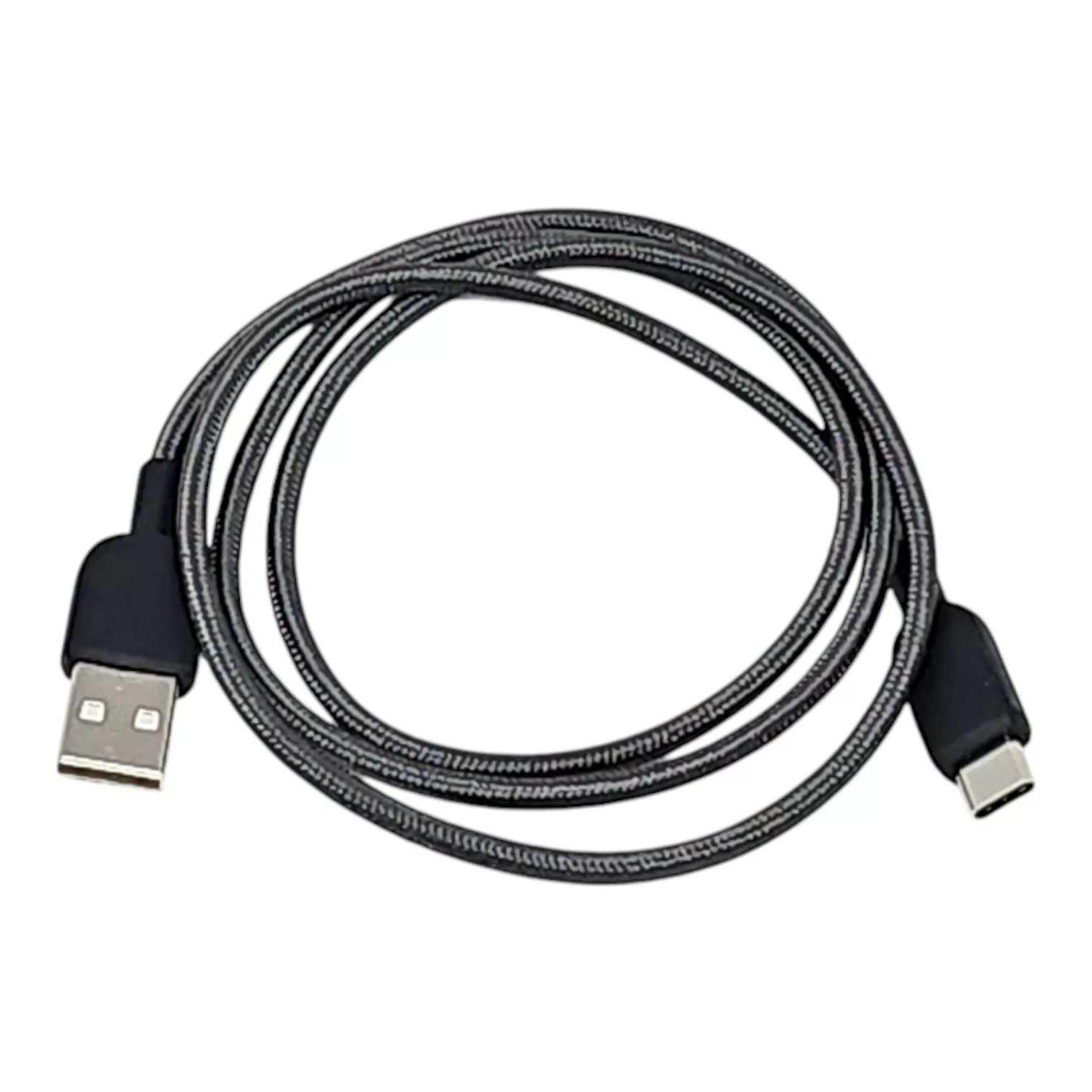
iCharger USB-A to USB-C Firmware Update Cable
$14.99
- iCharger USB-A to USB-C Firmware Update Cable
- Compatible with X6, X8, X12, S6, DX6, DX8, DX12, 456DUO, 458DUO and 4512DUO
- Software and Firmware available on our FAQ
Free shipping in USA.
Description
iCharger USB-A to USB-C Firmware Update Cable
An iCharger update cable keeps your charger current with the latest features and fixes. Moreover, this dedicated USB-A to USB-C lead gives you a stable link between your iCharger and a Windows PC. As a result, you can run firmware updates with fewer dropouts and fewer failed flashes.
However, many common USB leads only support charging, not reliable data transfer. Therefore, you need a true data-sync cable for high-performance RC electronics. In addition, a solid connection helps you avoid interruptions that waste track time.
Why this cable matters in the pits
First, firmware updates demand consistent data flow from your computer to the charger. Consequently, a purpose-built cable reduces the risk of corrupted transfers during a critical flash. Also, the right cable helps you update quickly between rounds, especially when you travel.
Meanwhile, Windows update tools can act picky about USB stability. So, using a cable built for data sync makes setup easier and more repeatable. For reference, firmware updates work best when you avoid hubs and use a direct PC port.
Key features
- Data-sync optimized: Shielded wiring helps prevent data loss during firmware flashes.
- Windows compatible: Connects cleanly to Windows-based iCharger update tools.
- Pro-grade quality: Durable USB-A to USB-C connectors handle frequent pit use.
- RC Discharger certified: Tested with modern iCharger models for dependable results.
- Compatible with: X6, X8, X12, S6, DX6, DX8, DX12, 456DUO, 458DUO and 4512DUO
Notably, a dependable iCharger update cable supports consistent maintenance, just like good battery care. Additionally, if you want background on the process, you can review firmware update basics before you start.
What you get
-
1x High-speed USB-A to USB-C data cable
Software and firmware downloads
Looking for the latest update files? All necessary Software and Firmware are available on our FAQ page. Then, download the drivers and update utilities you need to keep your gear current.
Finally, plug the cable into a direct USB port, launch your update tool, and follow the iCharger prompts. Consequently, you spend less time troubleshooting and more time racing.
You may also like…
-

Regenerative Discharger 4S Off-Road
$399.99 Select options This product has multiple variants. The options may be chosen on the product page -
Regenerative Discharger 2S
$329.99 Select options This product has multiple variants. The options may be chosen on the product page
Related products
-
Upgrade DUO to Regenerative Discharger 4S V2 Off-Road
$199.99 Select options This product has multiple variants. The options may be chosen on the product page -
RC Discharger Tent
$499.99 Add to cart -
RC Discharger Hats (Curved or Flat)
$24.99 Select options This product has multiple variants. The options may be chosen on the product page -
Lipo Safe Bag Kit for Our Regenerative Discharger
Price range: $32.99 through $46.99 Select options This product has multiple variants. The options may be chosen on the product page